The best apps for procrastination, matched to why you put things off
Procrastination isn’t one problem, so no single app fixes it. Pick the one that fixes yours.
20 October 2026 · 5 min read
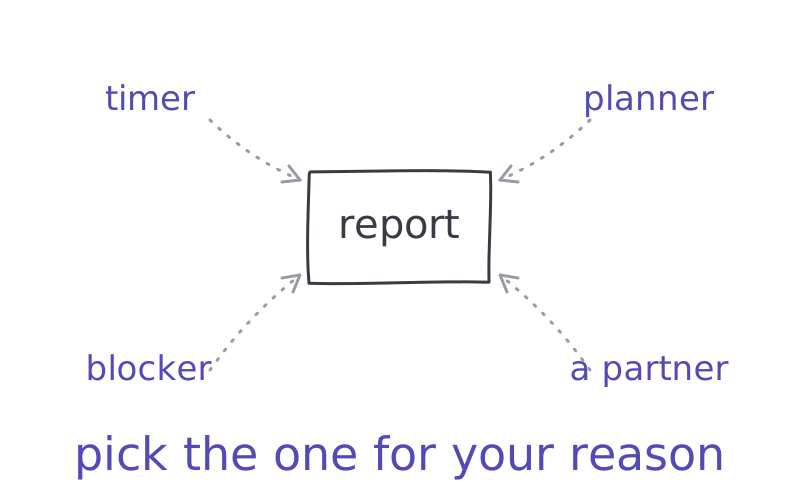
You downloaded a productivity app to stop procrastinating. You spent an hour setting it up. The report is still not started.
Quick answer: the best procrastination app depends on why you delay. A timer if you can’t start, a planner if the list is a mess, a blocker or a reset if you escape to your phone, and a co-working session if you work better with someone there.
Why most procrastination apps don’t stick
Most apps treat procrastination as a planning problem. Better lists, nicer reminders.
But psychologists Fuschia Sirois and Timothy Pychyl describe procrastination as short-term mood repair. The task feels bad, maybe boring, maybe scary, and putting it off makes you feel better right now. You're not avoiding the work. You're avoiding the feeling.
So a perfect to-do list can't help if the feeling is the problem. The apps that work are the ones that match your reason. Here they are by reason.
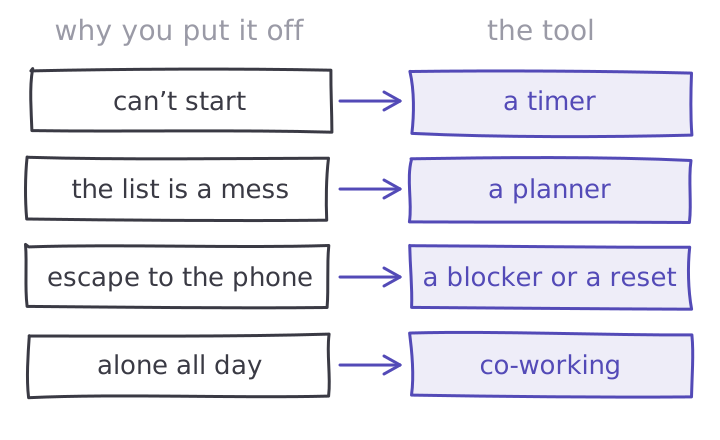
If you can’t start, or the list is a mess
A focus timer. Starting is the hardest part, and a timer makes it smaller: not "the report", just 25 minutes on the first section. Our free focus timer runs in your browser with no sign-up. Forest does the same on your phone, growing a tree while you focus.
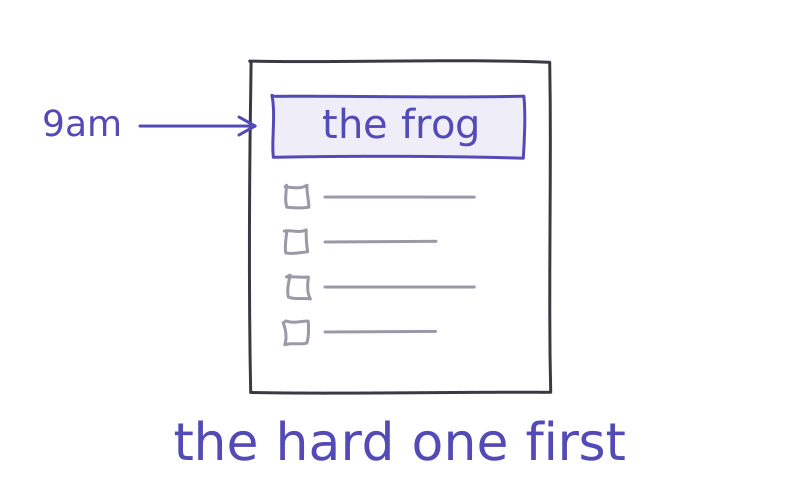
It helps to decide when and where, too. A review of 94 tests found that "if it's 9am, then I open the report" plans helped people follow through far better than goals alone.
Todoist. A to-do list that's quick to fill in. The free plan covers 5 personal projects, which is plenty to start. Best for: getting tasks out of your head so they stop nagging you.
Structured. A day planner that puts your tasks on one visual timeline, on your phone, on the web and on your watch. Free to start. Best for: seeing your day as blocks, not a list.
If you escape to your phone or the web
one sec. Adds a pause before a chosen app opens and asks if you still want to. In a study of 280 people, it cut app openings by 57% over six weeks. iPhone, Android and a browser extension.
Freedom. Blocks apps and websites on all your devices, with a Locked Mode you can't end early. Free to try for 7 days.
CatchScroll. For the feeling under the escape. When the urge hits, you tap what you feel (anxious, bored, frustrated, overwhelmed, foggy or self-doubt) and take a two-minute reset made for it, then go back to work. It runs in your browser, next to the task. More on blockers in the best app blockers.
If you work alone all day
Focusmate. Book a video session with a stranger. You each say what you'll work on, then get on with it. It's hard to scroll when someone is quietly working with you. The free plan gives you 3 sessions a week; Plus is unlimited.
Best for: people who get things done in an office or library but stall at home.
Pick one app, not five
Think about the last thing you put off. Why, honestly? Couldn't start, didn't know where to begin, kept picking up your phone, or just felt alone with it?
Pick the one app for that reason and use only that for a week. Five new apps is another way to avoid the work.
Then try it on the task you're avoiding today. Set the timer, open the file, write the first line. If you need a push, the two-minute rule and eat the frog help with the first step, and how to stop procrastinating goes deeper into the feeling.
So, what are you putting off right now, and why?
Try it
Most procrastination is a feeling, not a planning problem. CatchScroll gives you a two-minute reset for that feeling, and a focus timer that is free for good, so you can get the first 25 minutes done. Try the resets free for 7 days.
Try a reset free →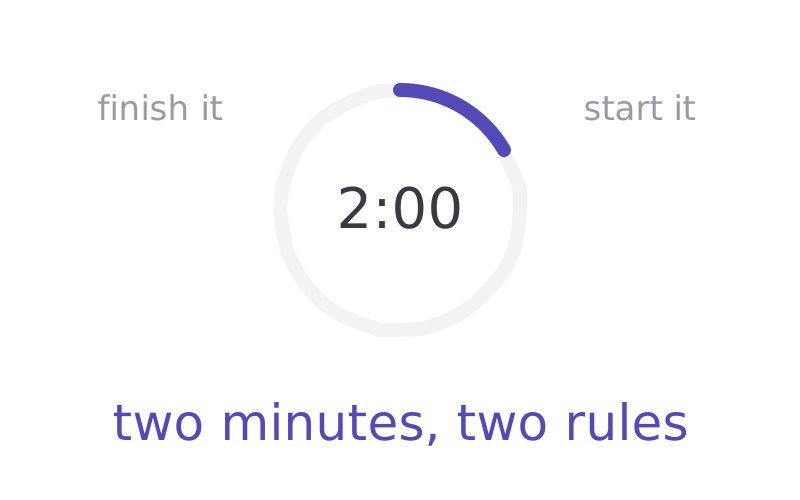
Sources
- 01Sirois, F. & Pychyl, T. — Procrastination and the priority of short-term mood regulation. Social and Personality Psychology Compass 7(2), 115–127, 2013 ↗
- 02Forest — focus timer where a tree grows while you focus; iPhone, iPad, Android, and Chrome and Firefox extensions; free tier, optional Plus. forestapp.cc ↗
- 03Gollwitzer, P. M. & Sheeran, P. — Implementation intentions and goal achievement: a meta-analysis of 94 tests (d = .65). Advances in Experimental Social Psychology 38, 69–119, 2006 ↗
- 04Todoist — to-do list app; free Beginner plan with 5 personal projects, Pro with 300. todoist.com/pricing ↗
- 05Structured — day planner that combines tasks into one visual timeline; phone, web and watch. structured.app ↗
- 06Grüning, D. J., Riedel, F. & Lorenz-Spreen, P. — Directing smartphone use through the self-nudge app one sec. 280 people over 6 weeks: 36% of attempts closed after the pause; app openings down 57%. One author created the app. PNAS 120(8), e2213114120, 2023 ↗
- 07Freedom — blocks apps, websites or the whole internet on Mac, Windows, iOS, Android and Chromebook; Locked Mode on Premium; 7-day free trial. freedom.to/pricing ↗
- 08Focusmate — co-working video sessions with a partner; free plan 3 sessions a week, Plus unlimited. focusmate.com/pricing ↗