How to reduce screen time when your job is on a screen
Cutting hours isn’t the goal. Cutting the hours you didn’t choose is.
20 October 2026 · 5 min read
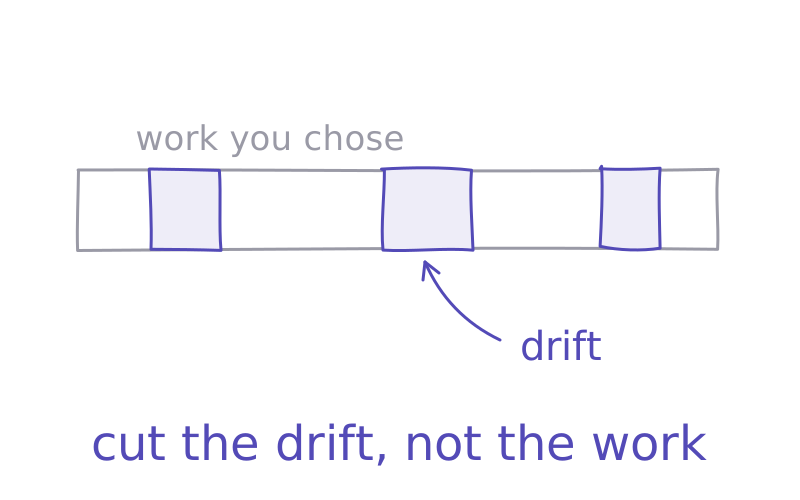
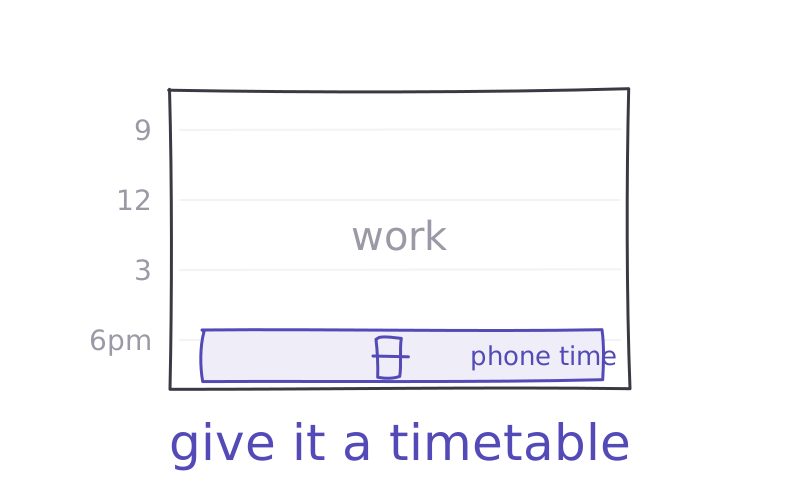
Your screen time report says nine hours a day. Seven of them were work. You can’t cut those.
So most screen time advice isn’t written for you. “Put your phone away for the evening” doesn’t help when your laptop is your office. The good news: the total isn’t the number that matters.
Not all screen time is the same
There are two kinds of screen time. The hours you chose: the report, the call, the film you planned to watch. And the hours that just happened: the "quick check" that became 40 minutes, the feed you opened without deciding to.
The research points at the second kind. In a randomised experiment with 112 people, Lisa Zimmermann and Maxim Sobolev found that cutting total screen time did not, at least in the short term, make people feel better or do better at university.
But cutting a specific kind of scrolling did help. In a University of Pennsylvania study, students who limited Facebook, Instagram and Snapchat to 10 minutes a day each for three weeks felt less lonely and less depressed.
So the goal isn't a smaller number. It's fewer hours you didn't choose.
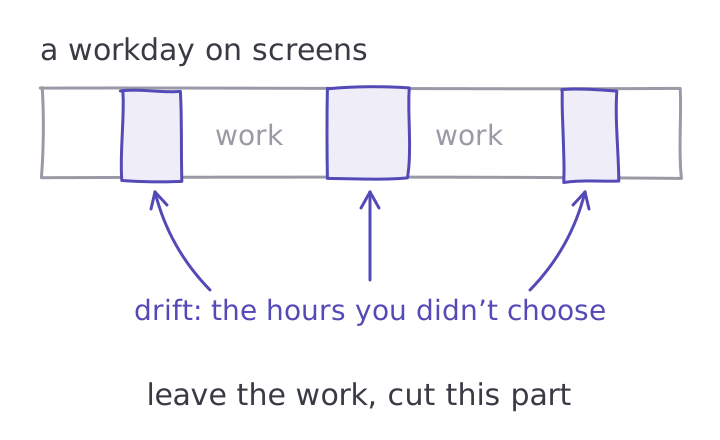
Find your drift hours
Your phone already tracks this. On iPhone, Screen Time shows your daily use and lets you schedule downtime and set time allowances for apps. On Android, the Digital Wellbeing dashboard shows your screen time, how many times you opened each app, and how many notifications you got.
Look past the total. Look for two things: the apps you opened most often, and the times of day the opening spikes. For most people at work it's a pattern: mid-morning when a task gets hard, straight after lunch, around 3pm when energy dips.
Those are your drift hours. That's where to start.
Friction beats limits
Time limits are the obvious fix, and they help a little. But in the same experiment, switching the phone to grayscale cut screen time straight away, while self-set limits cut it less, and more slowly. A limit is easy to tap past. A dull grey feed is just less fun.
A 2023 review of 13 apps built to reduce phone use found the same pattern. The strategies that worked best included grayscale mode, app limits, and a mix of several tools together.
If you'd like an app to help, choose by how firm you need it to be. A gentle one, like one sec, adds a pause before a chosen app opens. A firmer one, like Opal or Freedom, blocks apps on a schedule. Our guide to the best app blockers compares them, and do app blockers work? covers what they miss.
Fill the gap, or it fills itself
Every drift hour was doing a job. It was a break from a hard task, a lift when you were flat, an escape when you were anxious. Take away the scroll and the need is still there.
So plan what goes in the gap. A real break: stand up, get water, look out of a window. A two-minute walk. A word with a colleague. Short breaks like these lift energy, and a break away from your phone helps you think better afterwards than one spent on it.
And notice the feeling that sends you to the screen in the first place. Why we doomscroll covers the six usual ones.
Your plan for this week
Open your screen time report and write down your top three apps and your worst time of day. Switch your phone to grayscale for the week. Set one limit or one pause on your most-opened app, during your drift hours only. And plan one off-screen break for that time, like a walk at 3pm.
Then check the report again next week. Look at how often you opened that app, not just the total hours. If it went down, keep the setup. If not, try the firmer tool.
If the urge feels stronger than a habit, read how to break phone addiction.
So, which hour of your day didn't you choose yesterday?
Try it
CatchScroll is built for your drift hours. When the urge to scroll hits during work, tap what you feel and take a two-minute reset made for it, then go back to your focus timer. Try it free for 7 days.
Try a reset free →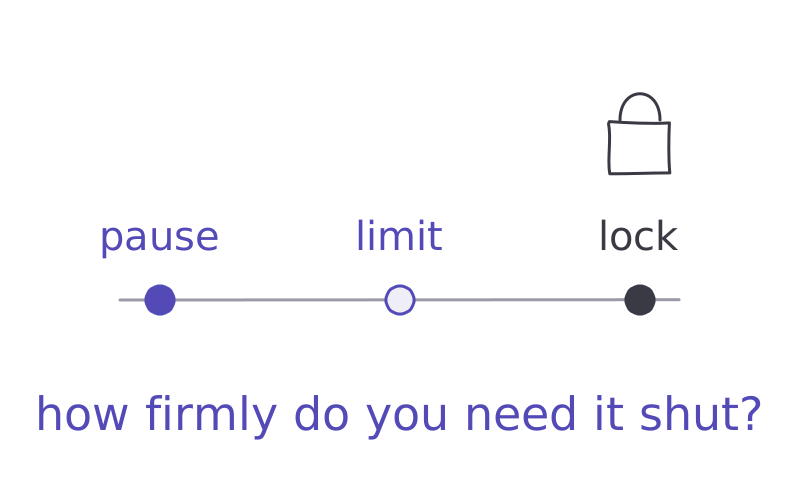
Sources
- 01Zimmermann, L. & Sobolev, M. — Digital strategies for screen time reduction: a randomized field experiment, 112 people. Grayscale cut screen time straight away; self-set time limits cut it less, and more slowly. Cyberpsychology, Behavior, and Social Networking 26(1), 42–49, 2023 ↗
- 02Hunt, M. G. et al. — No more FOMO: limiting social media decreases loneliness and depression. 143 students limited to 10 minutes per platform a day for three weeks. Journal of Social and Clinical Psychology 37(10), 2018 (summary: Penn Today) ↗
- 03Apple — Set Screen Time schedules and time allowances on iPhone. iPhone User Guide ↗
- 04Google — Manage how you spend time on your Android phone with Digital Wellbeing: dashboard (screen time, times opened, notifications), app timers, Focus mode, Bedtime mode. Android Help ↗
- 05Rahmillah, F. I. et al. — Evaluating the effectiveness of apps designed to reduce mobile phone use: 13 apps, 19 studies. Journal of Medical Internet Research, 2023 ↗
- 06one sec — adds a pause before chosen apps and websites open; iOS, Android and a browser extension for Windows, macOS and Linux. one-sec.app ↗
- 07Opal — screen time app with focus rules, a focus timer and Hard Mode; iPhone, Android and Mac. opalapp.com ↗
- 08Freedom — blocks apps, websites or the whole internet on Mac, Windows, iOS, Android and Chromebook; Locked Mode on Premium; 7-day free trial. freedom.to/pricing ↗
- 09Albulescu, P. et al. — "Give me a break!" A meta-analysis of micro-breaks: 22 samples, 2,335 people. PLOS ONE, 2022 ↗
- 10Kang, S. & Kurtzberg, T. R. — Reach for your cell phone at your own risk: the cognitive costs of media choice for breaks. 414 participants. Journal of Behavioral Addictions 8(3), 395–403, 2019 ↗